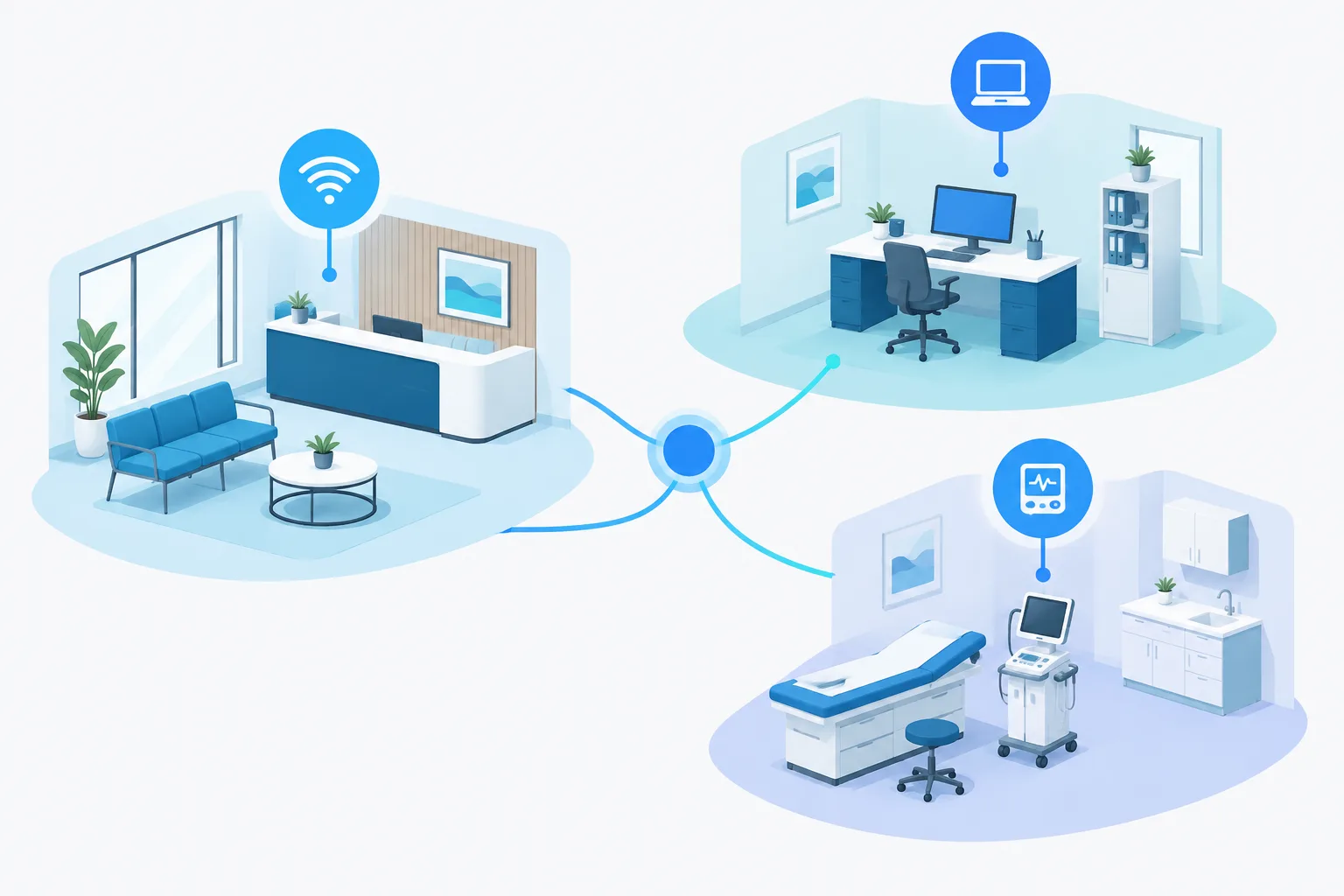
Healthcare network segmentation gives a clinic a practical way to provide guest Wi-Fi without opening a path to clinical systems. It also lets a practice apply different access rules to staff computers and connected medical devices, based on what each needs to do.
Segmentation is more than creating separate Wi-Fi names. The network must enforce rules that limit which devices and services can communicate across zones. Those rules should support patient care, be tested carefully, and be reviewed as equipment and locations change.
What network segmentation means in a clinic
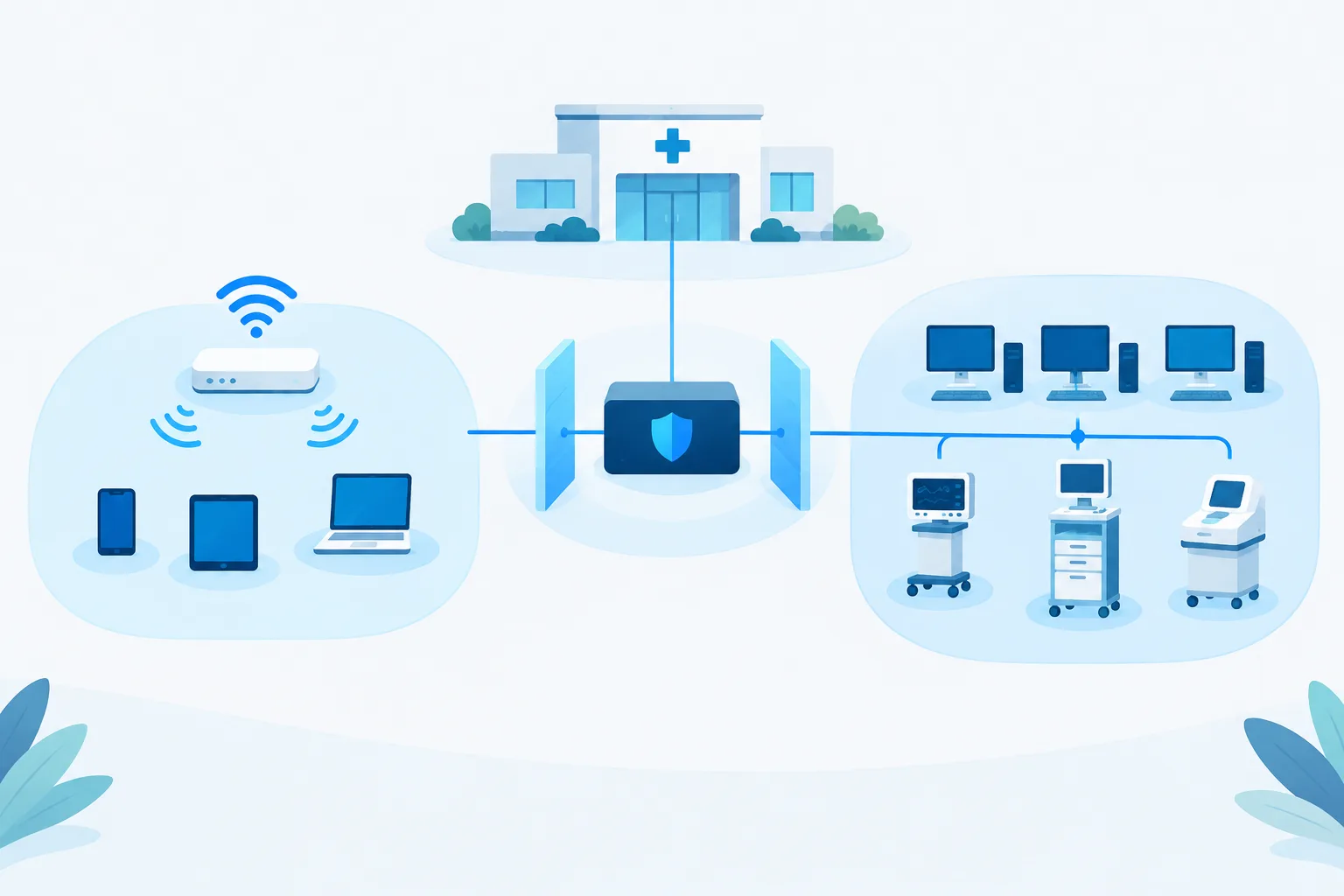
Think of segmentation as dividing a shared network into separate areas with controlled connections between them. A clinic might use a guest zone, a staff zone, and a restricted medical-device zone. Each zone has a purpose, and traffic between zones is allowed only when there is a clear operational need.
Separate wireless network names can help people connect to the right service, but names alone do not provide isolation. The underlying network configuration needs to prevent guest devices from reaching internal systems, and to restrict unnecessary connections between staff computers and medical devices.
For a closer look at safely connecting equipment, see this guide to connecting a medical device to a clinic network.
A practical three-zone example
Guest Wi-Fi: internet access only
Guest Wi-Fi is for visitors’ personal devices. Configure it to provide access to the internet while blocking access to clinic workstations, servers, printers, medical devices, and management tools. Guests generally should not be able to browse or connect to other devices on the clinic network.
Keep guest access separate from staff credentials and internal resources. If the clinic offers guest Wi-Fi, confirm that the network rules actually isolate it from clinical and business systems. For wireless coverage and setup considerations, see medical office Wi-Fi optimization.
Staff computers: approved work and clinical services
Staff computers need access to the applications and services required for their roles. That may include clinical software, business systems, printing, or shared resources. Access should be limited to what is needed rather than treating every staff device as a trusted route to every system.
Consider whether different staff groups or types of equipment need distinct access rules. For example, a workstation used for clinical work may need different access from a general-purpose device. The right design depends on the practice’s systems and workflows, so map actual needs with clinical and IT staff before changing rules.
Medical devices: restricted, with required connections allowed
Connected medical devices may have different requirements from standard workstations. A device might need to communicate with a specific clinical system, a vendor service, or a monitoring platform. Requirements vary by device, so avoid assuming that all equipment can safely use the same rules or that every device should be completely disconnected from the internet.
Instead, identify the connections each device needs and restrict other traffic where practical. The FDA’s medical device cybersecurity guidance discusses cybersecurity considerations for medical devices. Work with the device vendor and the people who use the equipment to understand its requirements and the impact of proposed changes.
How to plan segmentation without disrupting care
- Make an inventory. Record network-connected workstations, servers, medical devices, wireless access points, and other relevant equipment. Include the device’s location, purpose, vendor, and known communication needs.
- Confirm required connections. Ask vendors and clinical staff which systems, services, or external destinations a device must reach. Clarify any remote support or monitoring requirements. Do not block a connection simply because it is unfamiliar; first confirm whether it supports an operational need.
- Define zones and access rules. Decide which devices belong in each zone and describe the traffic that should be allowed or denied between them. Keep rules specific to the purpose of the connection, including management access, rather than granting broad access for convenience.
- Test changes carefully. Coordinate changes with clinical staff and vendors, and test that necessary workflows still function before relying on the new configuration. Schedule work thoughtfully to reduce the chance of affecting patient care. Avoid uncoordinated scanning or configuration changes that could interfere with device operation.
- Document and review. Keep a record of the zones, rules, device requirements, and approved exceptions. Review it when equipment, vendors, applications, or workflows change, and when the practice adds a location.
Segmentation can help limit unnecessary pathways through a network, but it is not a substitute for other security practices. Device updates, endpoint protection, access controls, backups, and staff processes still matter. The U.S. Department of Health and Human Services offers cybersecurity practices for small healthcare organizations that can help practices consider security as part of broader operations.
Vendor access and new locations
Vendor remote access should be limited to the systems and tasks that require it. Agree on how access is approved, which device or service it may reach, and how access is ended when support is complete. Avoid leaving a broad, always-on route into the clinic network when a narrower, controlled option will meet the need. Coordinate vendor work with staff responsible for the affected equipment.
For a growing practice, use consistent zone names and core access policies across locations where practical. At the same time, document site-specific equipment and workflows rather than assuming every clinic has identical needs. A new location should be reviewed as its own environment, with its devices and required connections understood before it is connected to shared systems.
These steps are part of a broader medical network support approach: keep a clear picture of the environment, manage access deliberately, and plan changes around clinical operations.
Frequently asked questions
How should a clinic separate guest Wi-Fi from its clinical network?
Place guest Wi-Fi in a separate network zone and configure rules that allow internet access while blocking access to internal clinical and business systems. Confirm the isolation in the network configuration rather than relying on a separate Wi-Fi name alone.
Should medical devices and staff computers be on different networks?
Often, they need different access rules because their functions and connection requirements may differ. Whether they should be in separate zones depends on the devices and workflows. Inventory them and confirm required connections before designing the rules.
Can a medical device network still connect to the internet?
Some devices may need specific internet or vendor connections, while others may not. Confirm each device’s requirements with its vendor and clinical users, then allow only the connections needed for its intended function.
How can a clinic add a new location without joining all devices to one network?
Plan the location using consistent network zones and core policies, then document its specific equipment and required connections. Test access between zones and shared services before the location becomes part of routine operations.
Keep access clear as the clinic grows
A well-planned network separates visitor access from clinical systems, gives staff the connections their work requires, and limits medical devices to necessary communications. The key is to understand each device and workflow before setting rules, then test and review those rules as the practice changes.
Zevonix provides healthcare IT infrastructure support, including network management and remote and onsite help desk support. The site lists HIPAA-compliant cybersecurity and access controls, as well as support for HIPAA and HITECH requirements. To discuss network segmentation for your practice, call (904) 658-0777.