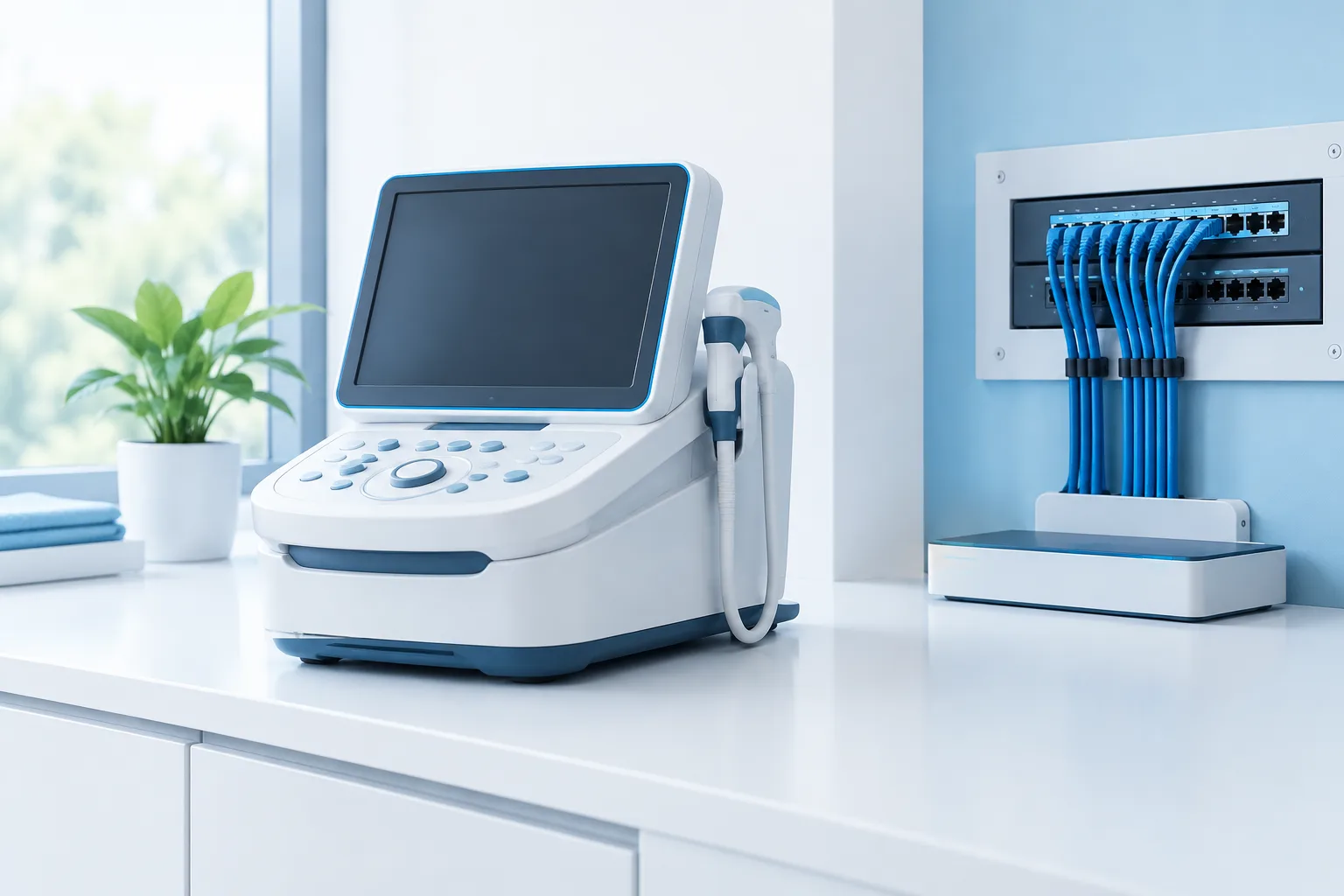
To connect a medical device to a clinic network safely, coordinate the setup before the device is plugged in or configured for wireless access. The clinical team, device owner, IT staff, security or privacy lead, and vendor should agree on what the device needs to communicate, what information it handles, and how it will be supported.
This preparation helps reduce the chance that a device disrupts care, exposes patient information, or relies on access that no one is monitoring. Use the following workflow as a planning checklist, and follow the device vendor’s approved configuration instructions.
Start with the people responsible for the device
Name a clinical owner who understands how the equipment will be used and who can confirm that it works as intended. Include clinical engineering or biomedical staff when your organization has them. Your IT or network team should assess connectivity, while the appropriate security or privacy contact reviews data handling and access. Ask the vendor to provide a technical contact who can answer configuration and support questions.
Before setup, agree on who can approve the connection and who will own the device after installation. Approval should reflect clinical needs as well as technical and security considerations. Avoid treating a vendor’s request to connect as the only approval needed.
Get the device details from the vendor
Ask for written information before allowing the device onto a clinic network. Documentation may vary by product, so request details specific to your model, software, and intended use. If the vendor cannot provide a clear answer, pause the network setup until the requirement is understood.
- Device identity: Record the model, serial or asset identifier, operating system or embedded software, and installed software or firmware versions.
- Network requirements: Request a network diagram or written description of the communication flows the device needs. Confirm destinations, protocols, ports, and services with the vendor and IT team rather than opening broad access by default.
- Data handled: Ask what information the device collects, displays, stores, or sends, including whether it interacts with patient records or other clinical systems.
- Authentication and access: Confirm available user controls, account options, authentication methods, and how vendor or service accounts are managed.
- Updates and support: Clarify how updates are delivered, who is responsible for installing them, how support requests are handled, and how the clinic will be notified of changes.
- Remote support: Ask what remote-access method the vendor uses, who initiates access, how it is authenticated, and what activity can be reviewed afterward.
These questions help IT document what the device needs without assuming that every requested connection is necessary. For broader context on healthcare network protection, see healthcare network security considerations.
Review patient-data and cybersecurity risks
Consider how the device could affect patient care and information if it is misconfigured, unavailable, or accessed inappropriately. Ask whether it stores patient data locally, sends information to another system, or depends on a cloud service. Identify who can access the device and its data, and whether access can be limited to the people and systems that need it.
Discuss the device’s security controls with the vendor and clinic team. Review account management, authentication, update practices, logging, backup needs, and the process for reporting a security concern. The clinic should also decide how the device fits its internal security and privacy processes. The Health Industry Cybersecurity Practices resource can provide broader healthcare cybersecurity context.
Do not assume that a device can safely undergo routine vulnerability scanning. Some medical equipment may have vendor-specific testing limitations. Ask the vendor in writing whether scanning is permitted, which methods are acceptable, and whether testing needs to happen in a controlled environment. Clinic IT and the appropriate clinical or biomedical contact should agree on the test plan before any scanning begins.
Choose an appropriate network location
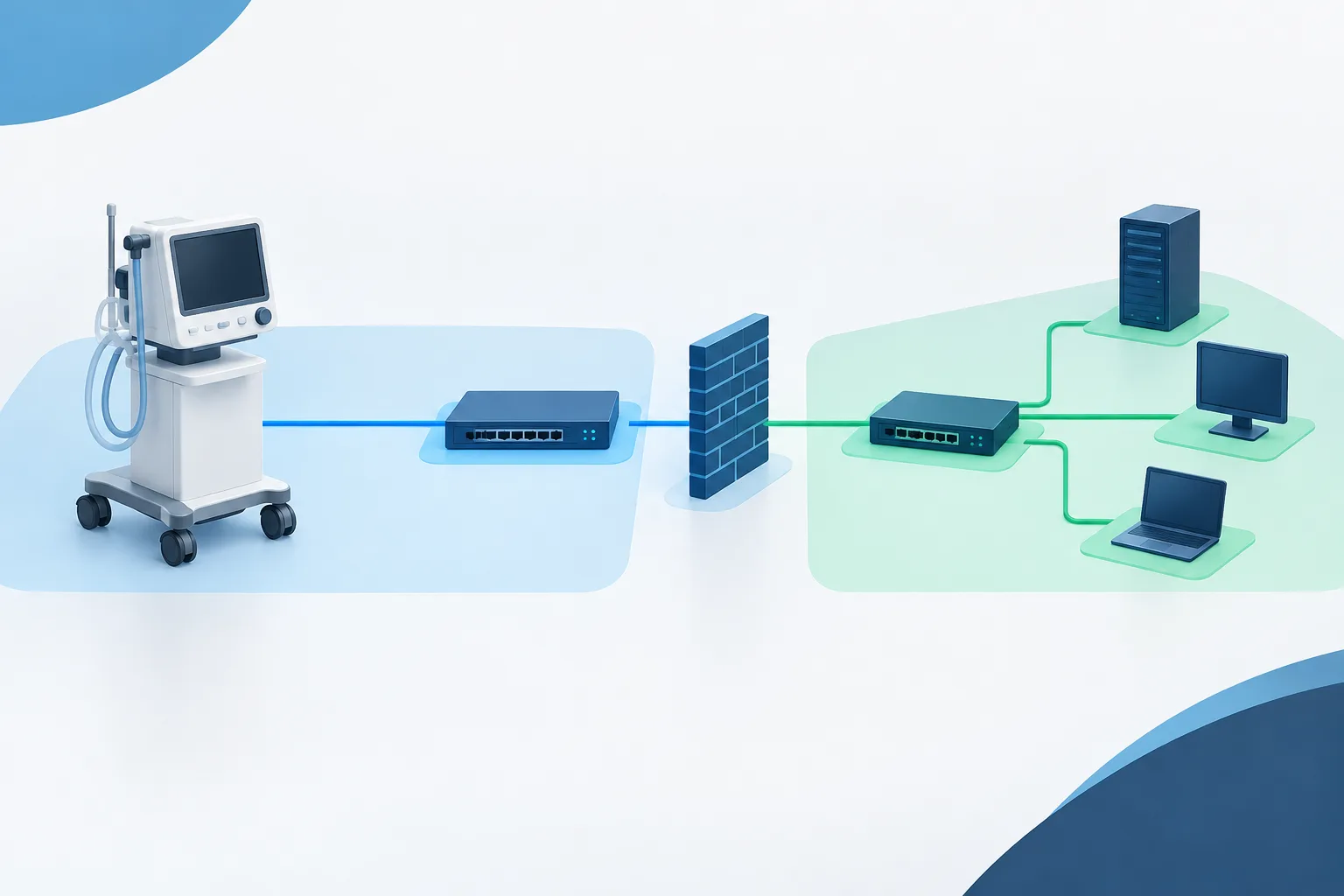
Ask IT whether the device should be placed on a separate network or VLAN. Segmentation can help limit unnecessary communication, but the right configuration depends on the device’s clinical purpose, its required connections, and vendor-approved settings. It is not enough to place equipment in a separate zone if the necessary traffic and access rules have not been documented.
Have the vendor and IT team review the needed communication flows together. Configure access for the documented destinations and services, and avoid broad network access when narrower rules will meet the clinical need. Confirm that the proposed setup still supports required integrations, monitoring, and the device’s intended operation.
For vendor remote access, agree on how access is requested, approved, enabled, monitored, and closed. Limit access to the approved purpose and period, use the clinic’s authentication and access-control processes where possible, and review activity after support work. For more on this topic, see secure remote support for healthcare.
Test before the device goes live
Plan testing with clinical staff before the device is used for patient care. Use the vendor’s recommended checks and confirm that the equipment performs its intended function, communicates with approved systems, and remains available under the clinic’s normal workflow. Check that access is limited as planned and that the relevant team knows how to get support.
Agree on a rollback or downtime plan before making the change. Decide who will stop or reverse the network configuration if testing reveals a problem, and how clinical staff should proceed if the device is unavailable. The plan should preserve safe workflows and explain how the clinic will communicate and escalate concerns.
After installation, confirm that the device appears in the clinic’s asset inventory. Record its location, clinical owner, model and identifier, software or firmware details, network zone, approved communication needs, vendor contact, support process, and update responsibilities. Keep the record current when the configuration or ownership changes.
Go-live checklist
Before approving the connection, confirm that the team can answer yes to the following:
- The clinical owner, IT contact, and vendor support contact are identified.
- The device’s purpose, data handling, software details, and network requirements are documented.
- Security and privacy concerns have been reviewed by the appropriate clinic contacts.
- The network location and access rules are approved and based on documented, necessary communication flows.
- Vendor remote access has a defined approval, authentication, monitoring, and closure process.
- Any proposed security testing has been discussed with the vendor and approved by the clinic team.
- Clinical testing, support ownership, update responsibilities, and a downtime or rollback plan are in place.
- The device is recorded in the clinic’s asset inventory and post-installation checks are complete.
Make device onboarding a shared process
Connecting a medical device safely is a coordination task, not just a network change. Bring the clinical owner, IT, security or privacy contact, and vendor together early, document what the device needs, and test the complete workflow before use. If your clinic needs help planning device connectivity, network access, or ongoing infrastructure support, contact Zevonix at (904) 658-0777.